These pictures are managed by the earthli Albums application.

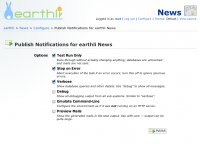
Publishing integrated into UI
8. Dec 2005
Publication of pending notifications can now be triggered from the configuration panel. The... [More]
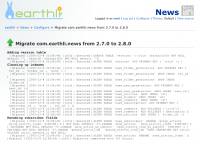
Migration Output
8. Dec 2005
This is a shot of the migration process in “Verbose” mode, showing all debugging messages as well.... [More]
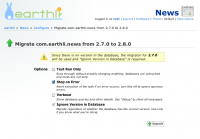
First Upgrade
8. Dec 2005
The first upgrade comes with a warning that there is no version information, so the system simply... [More]
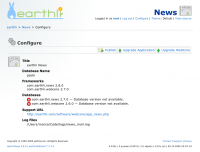
Upgrade Needed
8. Dec 2005
Once a new version of the WebCore or an application has been installed, log in as root and click Configure... [More]
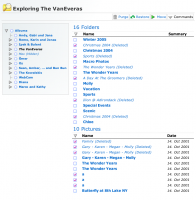
Purging with the Explorer
3. Dec 2005
This screenshot illustrates the power of the delete/purge concept. The normal user simply uses... [More]
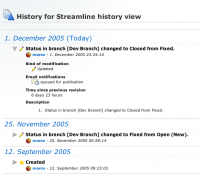
History View
1. Dec 2005
The history got updated and is now grouped by day and has most details hidden in layers. This makes... [More]
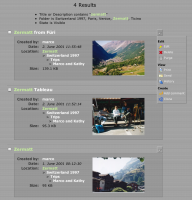
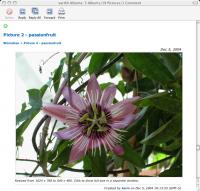
Item in an email
8. Dec 2004
A WebCore objects looks the same in an HTML email as it does when displayed on a web page — it’s... [More]
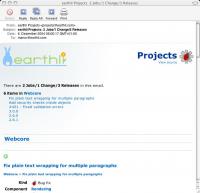
Projects Table of Contents
8. Dec 2004
WebCore Applications can publish almost any object. This mail shows details of releases, changes... [More]
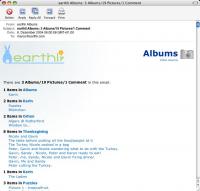
Album Email Table of Contents
8. Dec 2004
Even if your site generates a lot of content, earthli WebCore publishing manages it nicely,... [More]
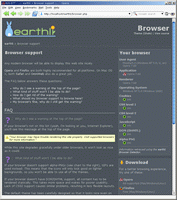
Advanced browser detection
4. Dec 2004
The earthli Browser Detector comes with the WebCore and is also available as a standalone component.
... [More]
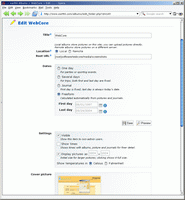
Album options
21. Nov 2004
earthli Albums takes full advantage of the WebCore’s advanced form rendering capabilities to offer... [More]
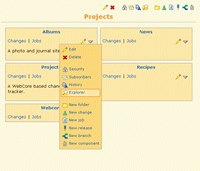
earthli Projects: Drop Down Menus Redux
29. Sep 2004
The drop down menus have been in earthli for a while now, but they’ve seen some new improvements:
- ... [More]
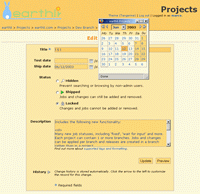
earthli Projects: Calendar Control
29. Sep 2004
All earthli applications can now use the calendar picker to choose a date. The calendar is also... [More]
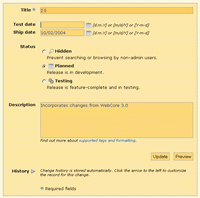
earthli Projects: Planning Releases
29. Sep 2004
earthli Projects now gives you even more control over releases. Instead of just a “time scheduled”,... [More]
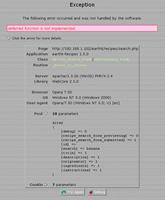
Error report details
7. Mar 2004
The exception state is reported with a lot of detail. It now includes:
- Application, server and... [More]
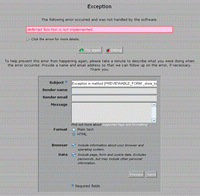
Advanced exception handling
7. Mar 2004
The WebCore encapsulates the state of the page in an exception object, which can be rendered to a... [More]
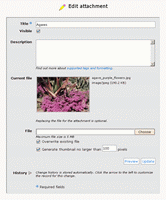
Editing an attachment
4. Mar 2004
Attachments are fully supported for comments and entries (includes articles, recipes, jobs,... [More]
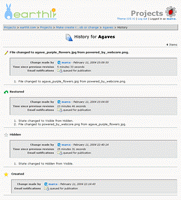
History page
4. Mar 2004
The history page has been redone to be much more readable, pushing the action icon off to the side... [More]
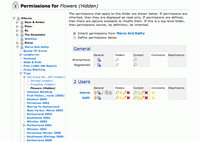
Advanced security and folder hiding
28. Feb 2004
The number of folders can be quite large, as shown here in the folder listing from an earthli... [More]
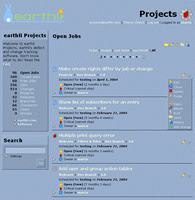
Drop down menus
7. Feb 2004
New in WebCore 2.5 are drop-down menus, so you can present an uncluttered interface but still have... [More]
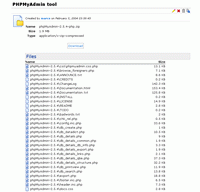
Zip file attachments
6. Feb 2004
Any file can be uploaded and mime types and extensions can be associated with icon sets. Some file... [More]
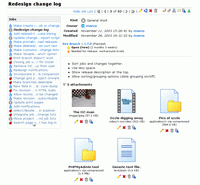
Attachments
6. Feb 2004
earthli projects is the first WebCore application to integrate the new uploading capabilities.... [More]
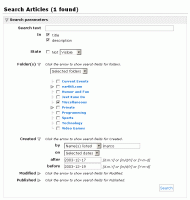
Advanced searching
22. Dec 2003
Here’s a snapshot of some very Alpha work on more powerful, flexible searching for all WebCore... [More]
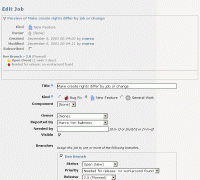
Previews for all forms
17. Dec 2003
Also new in 2.5.0 are automatic previews for forms that create objects in the application. This... [More]
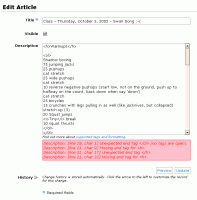
Tag validation
17. Dec 2003
Brand new in 2.5.0 is tag validation for all text fields. The WebCore tagging language has also... [More]
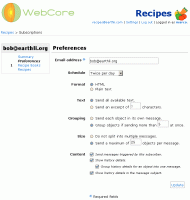
User subscription options
16. Dec 2003
Here’s the new form for subscriptions options. Users can now very specifically tailor the size and... [More]
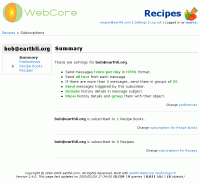
User subscription summary
16. Dec 2003
There are far more subscription options. Here they’re displayed in a readable format.
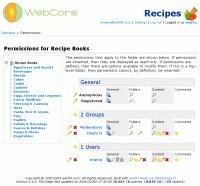
Folder security
16. Dec 2003
These the are the folder-specific privileges. The view has been considerably streamlined, with use... [More]
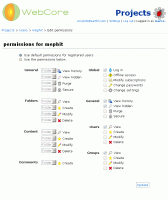
User security
29. Nov 2003
The security system is very modular and allows quick and easy ‘snap-in’ of new privileges and... [More]